Instagram Image Resizer
Crop and resize a photo for Instagram posts, Stories, and Reels. Choose a preset, frame the image, and download an upload-ready file.
Your image stays on your device. Resizing happens in your browser.
Choose an Instagram format
Download format
Best for photos and smaller file sizes.
Try CreatorsJet
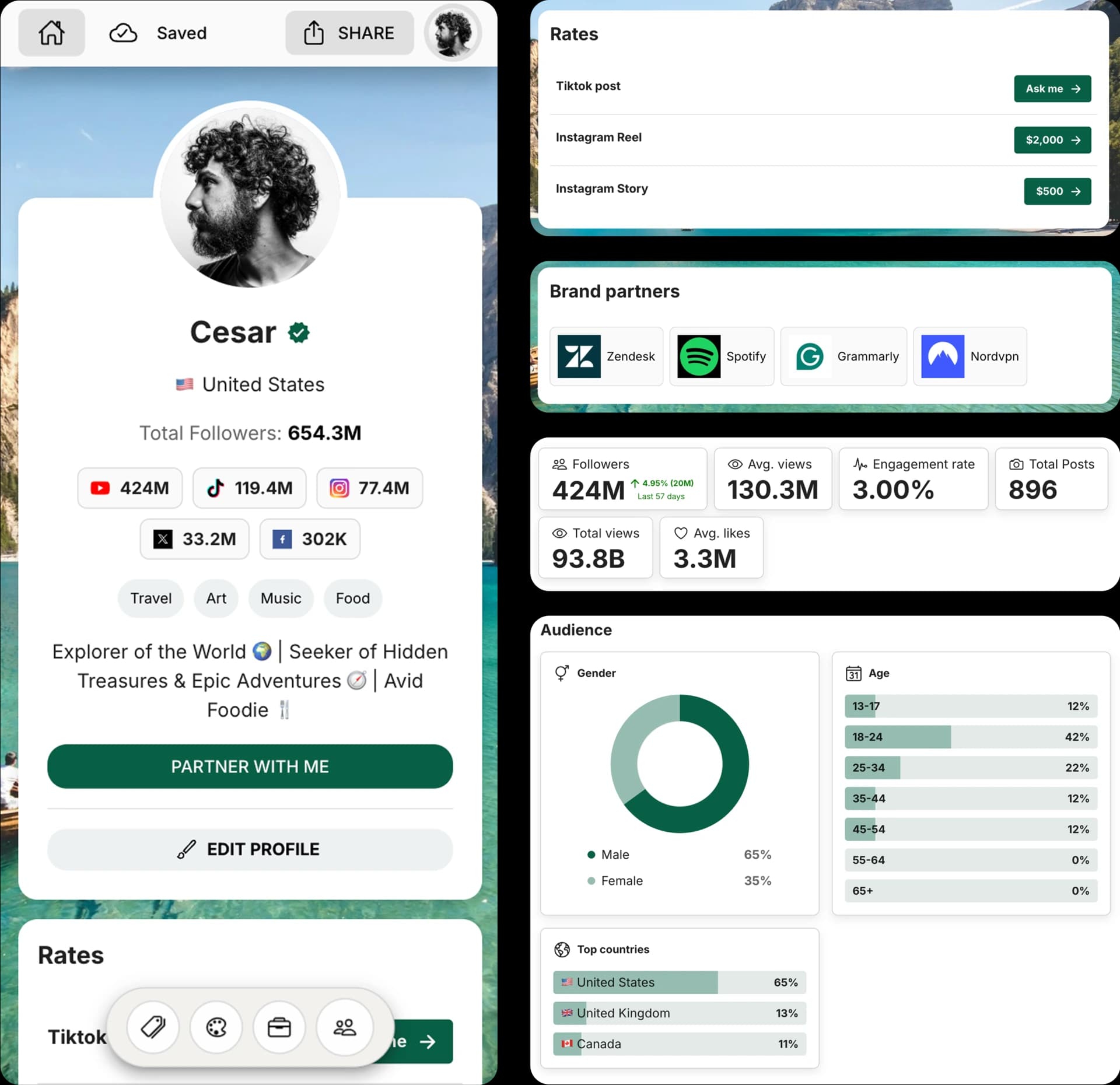
Create and Automate your Media Kit in minutes - Ditch Manual Updates. See the media kit page
 Get started
Instagram image sizes at a glance
Choose the format that matches where the image will appear. These presets export at 1080px wide for a sharp Instagram upload.
1080 x 1350 px (4:5)
Feed portrait
A tall feed post that uses more vertical space.
1080 x 1080 px (1:1)
Square post
A balanced format for a classic feed post.
1080 x 566 px (1.91:1)
Landscape post
A wide crop for scenery, products, or panoramas.
1080 x 1920 px (9:16)
Story or Reel
A full-screen vertical image for Stories and Reels.
How to resize an image for Instagram
01
Upload your image
Choose a JPG, PNG, WebP, or AVIF image from your device.
02
Choose and frame the format
Select the Instagram preset, then move, zoom, rotate, or flip the crop until it looks right.
03
Download your image
Choose JPG or PNG and download the resized image when you are ready to post.
Tips for a sharper Instagram image
The right dimensions prevent unintended cropping. A good crop also keeps the subject clear in the feed.
Use a high-resolution original. Enlarging a small image cannot restore lost detail.
Keep faces, text, and logos inside the crop frame, away from the edges.
Use 4:5 for feed posts and 9:16 for full-screen Stories or Reels.
Instagram Image Resizer FAQ
Use these answers to choose the right Instagram image format and export setting.
What is the best size for an Instagram feed post?
Use 1080 x 1350px for a portrait 4:5 post, 1080 x 1080px for a square post, or 1080 x 566px for a landscape post.
What size should an Instagram Story or Reel image be?
Use 1080 x 1920px at a 9:16 aspect ratio for a full-screen Story or Reel image.
Will resizing reduce image quality?
The tool crops and exports your image at the selected dimensions. Start with a high-resolution original, and choose JPG for photos or PNG for graphics and text.
Are my images uploaded to CreatorsJet?
No. The crop and export happen locally in your browser, so the image is not sent to or stored on CreatorsJet servers.
Is this Instagram image resizer free?
Yes. You can resize and download images for free, with no signup or watermark.
Get 4x more conversions with brands using CreatorsJet's media kit.
Create yours now


