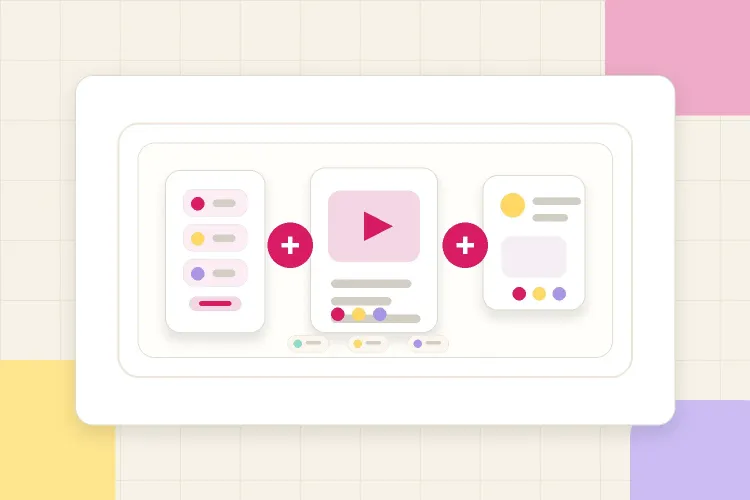


When a brand asks, "What would a collaboration with you include?", the answer should not be a loose list of formats. A useful package explains how the Instagram deliverables work together: what the Reel does, what the Stories support, what the Post or Carousel adds, and what proof the brand gets after the campaign.
To package Instagram deliverables well, start with the campaign goal, then group Stories, Reels, and Posts into a clear offer before discussing price. That gives the brand a cleaner way to compare options and helps the creator avoid selling a loose set of content with no campaign logic.
What packaging Instagram deliverables actually means
Packaging deliverables means turning individual content formats into a collaboration structure.
Instead of framing the offer as:
- "One Reel is possible."
- "Stories can be added."
- "A feed post is also available."
Say something closer to:
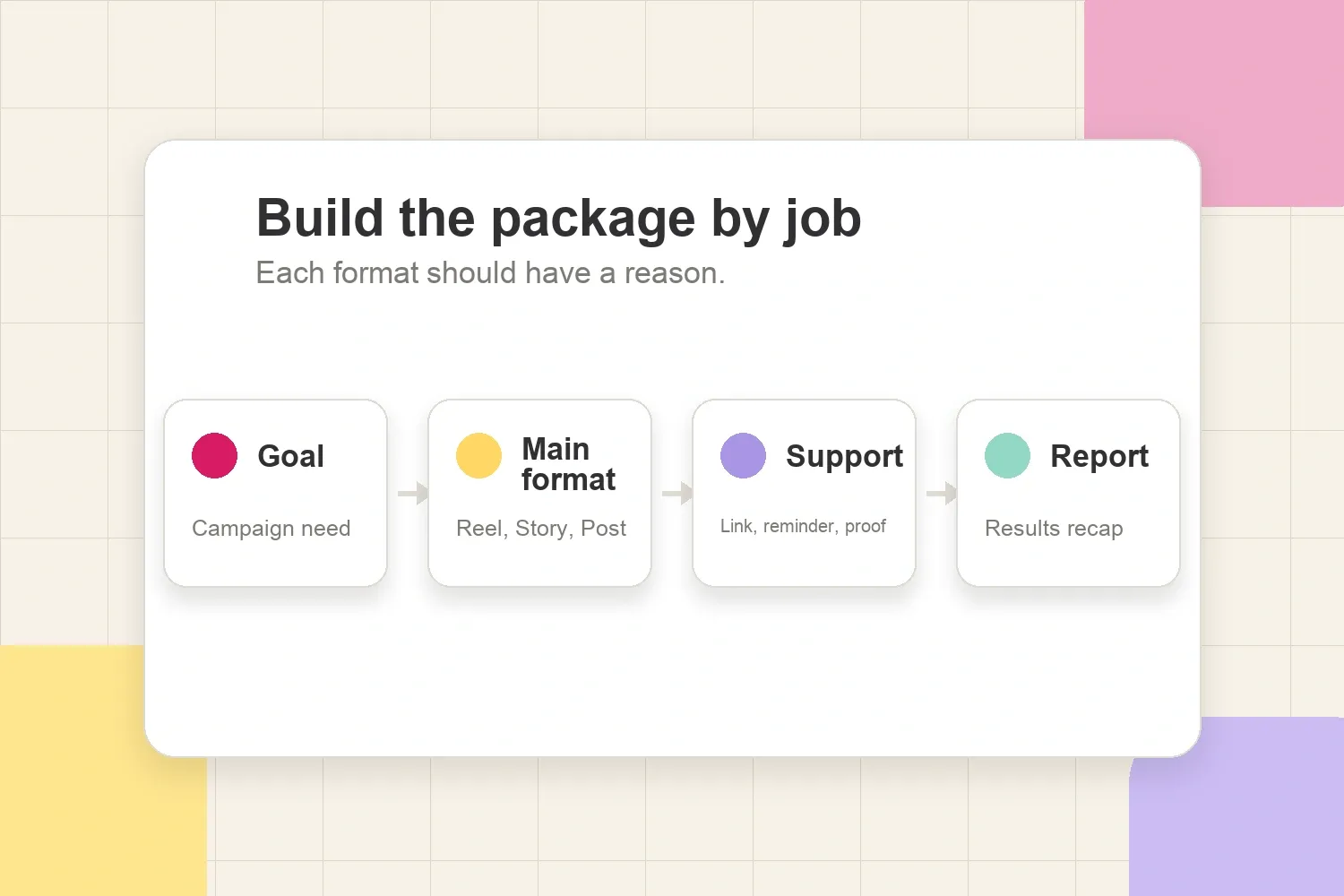
- "For a product launch, the package could include one Reel for discovery, three Story frames for link clicks and reminders, and one results recap after posting."
That small shift matters. Brands do not only buy content volume. They buy a campaign path: awareness, interest, action, proof, and sometimes reusable assets.
That is why the package should not only list creative assets. It should also include the basic scope details that make the collaboration reviewable and easy to approve: format count, posting window, draft deadline, approval process, link stickers, and performance tracking. CreatorDB's guide to typical influencer collaboration scopes is useful here because it breaks scope down into the same operational details creators should clarify before quoting.
Start with the campaign goal, not the format
The easiest mistake is building a package around the format the brand mentions first.
If a brand says, "Can you do a Reel?", that does not automatically mean the best package is only one Reel. The real question is what the brand wants the Reel to do.
Common goals:
- Awareness: the brand wants more people to discover the product, campaign, or launch.
- Education: the brand needs a creator to explain how the product works or why it matters.
- Traffic: the brand wants profile visits, link clicks, signups, waitlist joins, or product page visits.
- Social proof: the brand wants credible content it can reference, repost, or show internally.
- Testing: the brand wants to learn which angle, hook, or product use case gets the most interest.
Once the goal is clear, the deliverable mix becomes easier.
How each Instagram format fits into a package
Stories, Reels, and Posts do different jobs. A good package does not pretend they are interchangeable.
| Instagram format | Best role in a brand deal | Package note |
|---|---|---|
| Stories | Fast context, links, polls, reminders, replies | Good for launches, limited-time offers, product walkthroughs, and post-campaign updates. |
| Reels | Discovery, storytelling, product demonstration, reach beyond current followers | Best when the brand needs a hook, creator point of view, or reusable creative concept. |
| Feed posts or carousels | Saveable proof, detailed explanation, longer caption, visible profile presence | Useful when the product needs steps, before/after context, ingredient details, outfit breakdowns, or evergreen proof. |
| Story recap or analytics screenshots | Proof after publishing | Helps the brand understand reach, clicks, replies, saves, and what the audience reacted to. |
A brand-side influencer brief often includes campaign goals, deliverables, deadlines, usage expectations, and approval steps. That is a useful reminder for creators too: packages are easier to approve when they already answer those basics. Popular Pays describes an influencer brief as a document that sets campaign expectations, deliverables, and guidelines between the brand and creator, which is exactly the structure a creator can mirror when proposing a clean package. Its brand-side influencer brief guide is written for marketers, but the logic is useful from the creator side.
Package examples for Instagram brand deals
These examples are not rates. They are scope options. Price comes after the creator knows what is included, how much work it requires, and whether the brand wants usage, exclusivity, revisions, or paid amplification.
1. Story-only package
Best for launches, reminders, discount codes, quick product education, or creator commentary that does not need a permanent feed post.
Example scope:
- 3 to 5 Story frames.
- 1 link sticker or product tag if relevant.
- 1 interactive sticker, such as poll, quiz, question, or slider.
- Brand tag and paid partnership label when required.
- Screenshots of reach, taps, replies, sticker interactions, and link clicks after the Story expires.
This package works when the brand needs attention and action fast. It is less useful when the brand wants long-term feed visibility or a more edited video asset.
If the campaign depends heavily on Story performance, the package should already mention the recap. Creators can use a separate campaign follow-up structure like the one in presenting Instagram Story analytics to brands so reporting does not feel like an afterthought.
2. Reel-led package
Best for discovery, product demos, trend-led creative, launches, creator storytelling, and campaigns where reach matters.
Example scope:
- 1 Instagram Reel, usually 15 to 45 seconds depending on the concept.
- 1 caption with key message, tag, and disclosure.
- 3 Story frames to support the Reel after posting.
- Optional pinned comment with a short clarification or brand-approved note.
- Results recap with views, reach, watch time if available, likes, comments, saves, shares, and audience context.
This is often the cleanest package when a brand wants one main content moment plus support. The Stories help point attention back to the Reel, answer quick questions, and add a link if the Reel itself is more awareness-focused.
3. Post or carousel package
Best for products that need explanation, comparison, steps, ingredients, styling details, checklists, or saveable information.
Example scope:
- 1 static post or carousel.
- 1 caption with required message, disclosure, and tag.
- 2 to 3 Story frames to announce or resurface the post.
- Optional FAQ slide, before/after slide, routine step, or product breakdown.
- Results recap with reach, engagement, saves, comments, shares, and audience reactions.
Carousels work especially well when the brand has more information than a single Reel can comfortably carry. The risk is making the post feel like a brochure, so the creator should package the angle clearly: tutorial, routine, comparison, mini-review, outfit breakdown, recipe, travel itinerary, or problem/solution.
4. Launch package
Best for new products, seasonal drops, limited-time campaigns, event promotions, app launches, or waitlists.
Example scope:
- 2 teaser Story frames before launch day.
- 1 Reel or carousel on launch day.
- 3 support Story frames with link sticker, reminder, or FAQ.
- 1 follow-up Story after early audience reactions.
- 1 recap after the campaign window.
This package gives the brand a timeline instead of one isolated post. It also gives the creator a better reason to charge for the full collaboration, because the work includes planning, sequencing, posting, and reporting.
5. Content testing package
Best when the brand is unsure which angle will work.
Example scope:
- 2 Reel concepts with different hooks or use cases.
- 2 Story polls or question stickers to test audience interest.
- 1 short recap explaining which angle got more saves, replies, clicks, or comments.
- Optional recommendation for the next campaign.
This package is useful when a creator has a close audience and the brand wants learning, not just exposure. It also helps prevent the brand from judging the creator only on one isolated post.
What to define before you discuss price
Before a creator puts a number on a package, the scope should be clear enough that both sides understand the work.
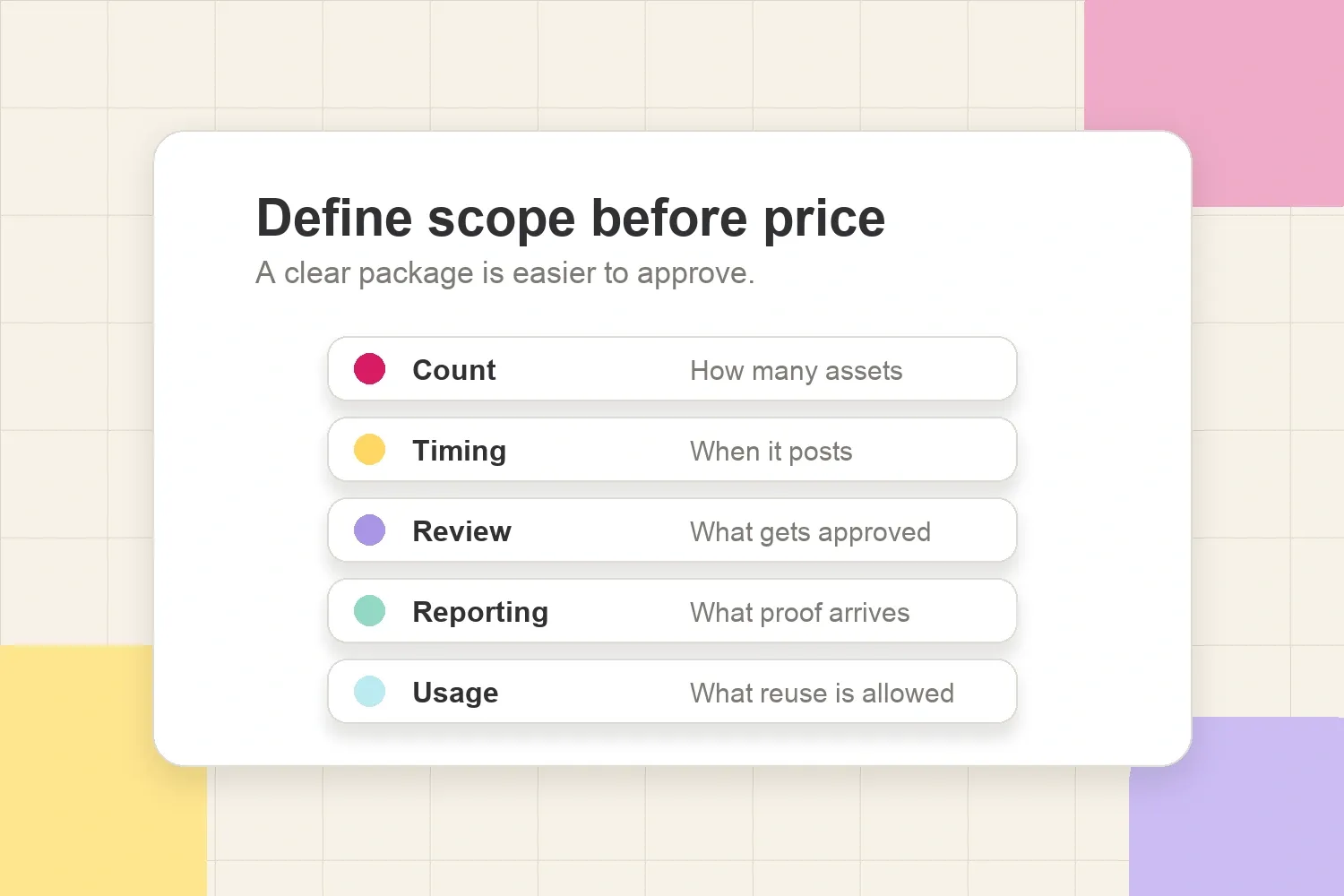
Define:
- Number of deliverables: for example, one Reel, three Story frames, and one recap.
- Format details: Reel length, carousel slide count, Story frame count, caption length, link sticker, poll, product tag, or pinned comment.
- Publishing window: exact date, launch week, campaign window, or approval deadline.
- Creative process: whether the brand gets concept approval, script approval, draft review, or one round of edits.
- Brand requirements: tags, paid partnership label, hashtags, talking points, link, discount code, product claims, and do-not-say rules.
- Reporting: screenshots, metrics, timing, and whether the creator will add context.
- Usage rights: whether the brand can repost, use the content on the website, run it as an ad, or reuse it beyond organic social.
Usage should be separated from the organic posting package unless the creator intentionally includes it. If the brand wants to reuse content beyond the original post, link the scope to the rights being granted. The article on responding when a brand asks for usage rights covers that conversation in more detail.
What not to bundle without thinking
Not every bundle is a good package. Sometimes creators add more formats because they want the offer to look bigger, but that can create extra work without making the campaign clearer.
Be careful with:
- Too many formats for one simple goal. A small product mention may not need a Reel, carousel, five Stories, and a recap.
- Permanent content for a short-term ask. A 24-hour discount code may fit Stories better than a permanent feed post.
- Usage rights hidden inside the package. Organic posting and paid ad usage are not the same thing.
- Unlimited revisions. A package should say how feedback works.
- Vague reporting. "Analytics will be sent" is less useful than naming which screenshots or metrics the brand will receive.
- Deliverables the creator cannot make well. A creator who is excellent on Stories should not force a carousel package just because it sounds more complete.
The best package is not the biggest one. It is the package that matches the brand's goal and the creator's actual content strengths.
How to present the package in a brand conversation
Creators do not need a long PDF every time. A clear message can be enough in the early conversation.
Example:
For this launch, a clean package could be one Reel for discovery, three Story frames to explain the product and send viewers to the link, and a short results recap after posting. The Reel would cover the main use case, the Stories would handle the reminder/link moment, and the recap would include reach, views, clicks, replies, and any useful audience context.
That message does three things:
- It explains the role of each format.
- It makes the package feel intentional.
- It creates a natural bridge to pricing.
If the brand asks for a rate before the scope is clear, the creator can reply with a clarifying question:
Happy to share pricing. Before giving an accurate quote, should this be Reel-only, Story-only, or a package with one main Reel plus Story support and reporting?
That keeps the conversation professional without sounding difficult.
Simple package menu creators can use
Here is a clean way to frame options before giving numbers:
| Package | Includes | Best for |
|---|---|---|
| Story Push | 3-5 Stories, link sticker, interactive sticker, Story analytics | Quick traffic, discount codes, limited-time reminders |
| Reel + Story Support | 1 Reel, caption, 3 Stories, results recap | Discovery, launches, product demos |
| Carousel Explainer | 1 carousel, caption, 2 Stories, saves/comments recap | Education, routines, comparisons, saveable content |
| Launch Sequence | Teaser Stories, main Reel or carousel, follow-up Stories, recap | Product drops, events, seasonal campaigns |
| Testing Package | 2 concepts, Story poll, performance recap | Learning which angle or offer works |
This menu should still be flexible. The point is not to force every brand into a preset. It is to make the conversation easier: the brand can point to the option closest to what it needs, then the creator can adjust the scope.
Package before pricing
Pricing gets messy when deliverables are vague. One "Instagram collaboration" can mean one quick Story mention, a full Reel concept, a carousel, product testing, draft edits, launch timing, analytics screenshots, and paid usage rights.
That is why packaging comes first. Once the creator knows the formats, timing, review process, reporting, and usage boundaries, the price becomes much easier to defend.
A good Instagram package should answer:
- What content will be posted?
- What job does each format do?
- When will it go live?
- What does the brand need to approve?
- What proof will the brand receive?
- What reuse is included or excluded?
When those answers are clear, the brand sees a collaboration plan instead of an unstructured list of deliverables. That is the real benefit of packaging Instagram Stories, Reels, and Posts before discussing price.