


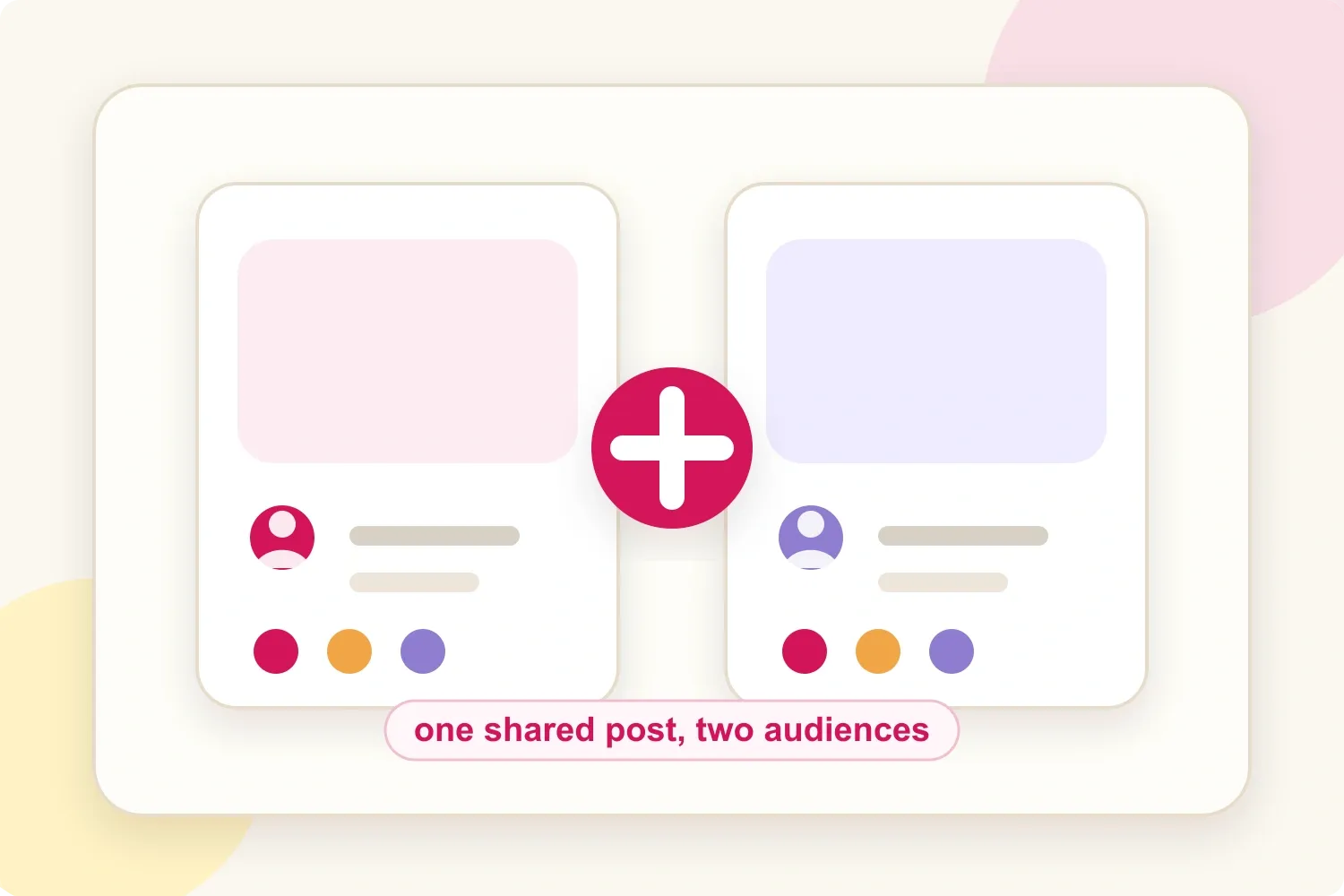
An Instagram Collab post is a single post or Reel shared by its original creator and up to five invited collaborators. It appears on every collaborator's profile, is shown to all of their followers and keeps one shared set of likes, comments and views. It is worth using when the partner brings a relevant second audience, because the post can reach new people without splitting attention across two separate uploads.
The practical question is not "Do Collab posts work?" It is "Did this Collab create reach, engagement, followers, clicks or sales that a solo post probably would not have created?" This guide covers both sides: how Collabs work and how to set one up, then how to judge whether one was worth it.
What an Instagram Collab post is
A Collab is one Feed post or Reel that the original creator shares with invited collaborators. Once a collaborator accepts, their username is added to the post header, the post appears on their profile and Instagram distributes it to their followers.
That matters because creators and brands usually lose momentum when they split the same idea into separate posts. One account posts, the other reposts to Stories, comments get scattered and each audience sees a weaker signal. A Collab keeps the attention in one place.
Collabs are often confused with tags and reposts. The difference is in who gets the post and who is credited:
| Collab | Tag | Repost | |
|---|---|---|---|
| Shown to the partner's followers | Yes | No | Yes, separately |
| Partner listed as author | Yes | No | No |
| Shared likes and comments | Yes | No | No |
How to make a Collab post on Instagram
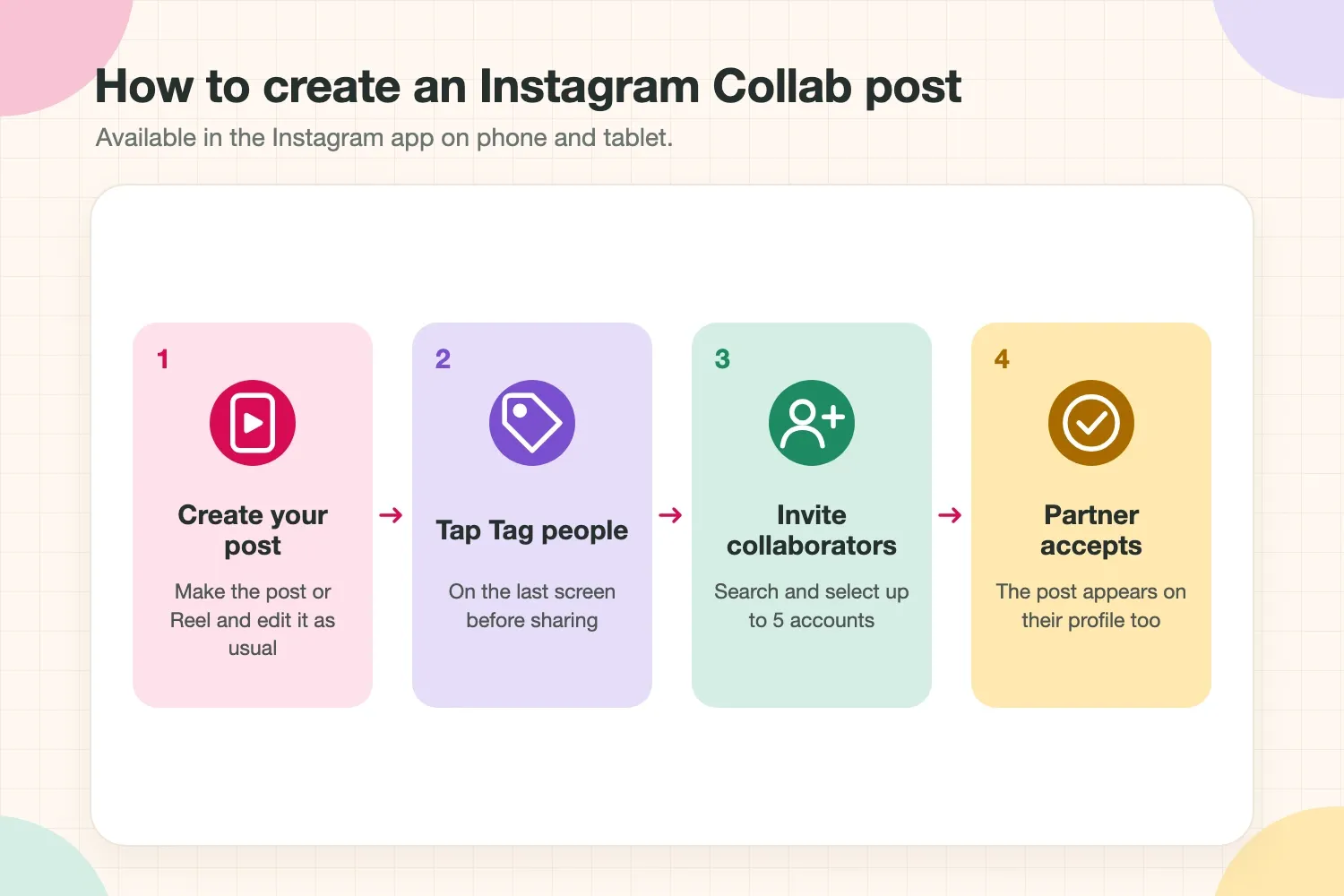
Collabs can only be created in the Instagram app on a phone or tablet, not on a computer. The flow is short:
- Create your post or Reel as usual and go to the last screen before sharing.
- Tap Tag people, then Invite collaborator.
- Search for the accounts you want to invite, select up to five, then share the post.
- Each invited account receives a request and has to accept it before the post appears on their profile.
To accept an invite, open the request from your notifications or Direct Messages, preview the post and tap Accept. If you decline by mistake, the original creator has to send the invite again.
To add or remove a collaborator after posting, the original creator edits the post and updates the collaborators. A collaborator can also remove themselves from the post at any time from the post's menu. In both cases, the post stays on the original creator's profile.
Collab post rules to know before you post
According to Instagram's Help Center, a few rules shape how Collabs behave:
- Up to five collaborators can be added to one post.
- The original creator owns the post. Only they can delete it, and deleting it removes it from every collaborator's profile.
- Privacy follows the original creator. Public accounts can invite public or private accounts. Private accounts can only invite accounts that follow them. If the original creator later switches to private, only their followers can see the post.
- Blocking ends the collaboration. If either side blocks the other, the post stays only on the original creator's profile.
- Stories are not supported. You can mention accounts in Stories, but you cannot add collaborators to them.
For brand deals, the ownership rule is worth agreeing on in advance. Whoever creates the post controls whether it stays live, so the contract should say who publishes it and for how long it must remain on both profiles.
Do Collab posts decrease reach or engagement?
A Collab post does not reduce reach by itself. It is distributed to the followers of every account that accepts, so its potential audience is larger than a solo post from either account. What changes is how the numbers should be read.
Instagram engagement is already competitive. In its social media benchmarks report, Socialinsider analyzed 70 million posts across major platforms and found an average Instagram engagement rate of 0.48% in 2025, slipping to 0.45% in the first half of 2026, even as Instagram views grew 29% and shares 12% year over year. More reach is easy to get. Engagement that keeps pace with it is not.
That is why a Collab can look like it "hurt engagement" when it actually worked. If reach doubles and engagement rises by half, the engagement rate falls even though more people interacted. A Collab only underperforms when the extra audience does not care: reach goes up, but saves, comments, follows and clicks stay flat.
The fix is to compare engagement against reach, not against follower count, and to judge each Collab against a similar solo post.
When Instagram Collab posts are worth it
A Collab post is usually worth testing when the partner adds relevant incremental reach. That means the second audience is not just bigger, but different enough and interested enough to create new discovery.
Good Collab fits often look like this:
- A skincare creator and a skincare brand showing a realistic routine.
- A fitness creator and a nutrition creator explaining one transformation from two angles.
- A local creator and a venue promoting an event, launch or experience.
- A creator and a brand sharing a giveaway where both audiences clearly match the product.
- Two creators with adjacent audiences making one tutorial, comparison or reaction.
The best signal is not follower count. It is audience overlap, creative fit and whether the post feels natural on both profiles. A creator with 12,000 followers and a highly relevant audience can outperform a larger collaborator whose audience does not care about the topic.
When Collab posts are not worth it
Collabs disappoint when the partnership is only there for visibility. If the post would feel strange on one of the profiles, the audience usually notices.
Common weak fits include:
- Two accounts with almost the same audience, which creates little new reach.
- A brand partner that does not match the creator's niche or usual content.
- A giveaway that attracts freebie hunters but no qualified followers.
- A product mention that feels forced into a creator's feed.
- A Collab where one partner does not share, reply or support the post after publishing.
Collab posts also do not fix weak creative. If the hook, topic, visual or offer is not interesting, adding another account rarely saves it. The collaboration can amplify a good post, but it usually cannot rescue a bad one.
The metrics that decide whether a Collab worked
The cleanest way to judge an Instagram Collab post is to compare it with a similar solo post from the same account: same format, similar topic and, if possible, a similar posting time.
For a quick public benchmark, Inflact’s Instagram profile analyzer can show the creator’s engagement rate, posting activity and most popular recent posts. Use that as context, then rely on Instagram Insights for Collab-specific reach, follows, clicks and conversions.
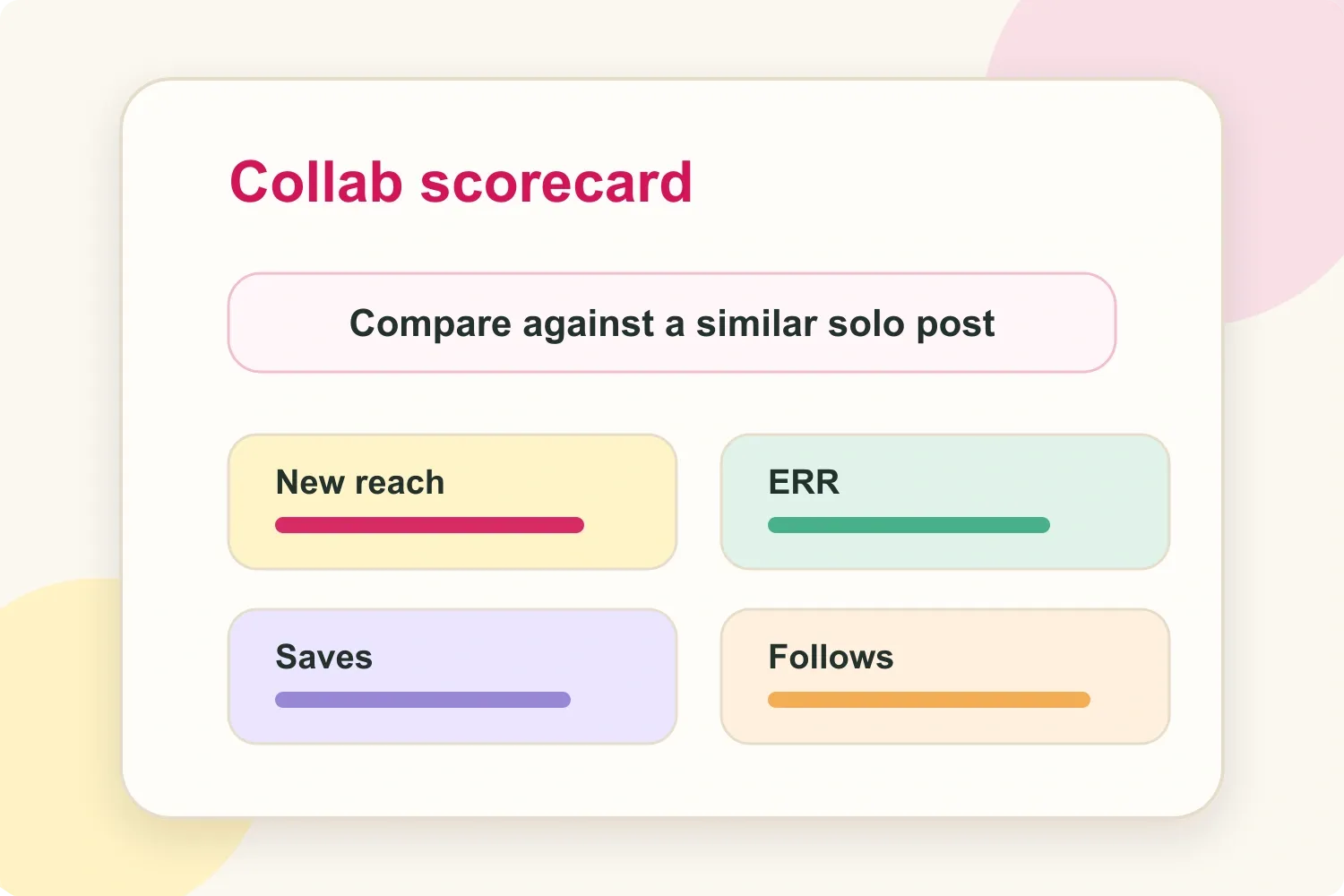
Track these numbers at 24 hours, 72 hours and 7 days:
- Incremental reach: Collab reach minus expected solo reach. Good sign: clearly above similar solo posts.
- Engagement rate by reach (ERR): engagements ÷ reach. Good sign: equal to or better than the solo benchmark.
- Saves: saves ÷ reach. Good sign: higher than usual.
- Follows: new follows ÷ reach. Good sign: positive follower lift.
- Clicks or conversions: clicks or conversions ÷ reach. Good sign: a trackable lift in the post window.
For example, if a similar solo Reel usually reaches 12,000 people and a Collab reaches 28,000, the raw incremental reach is 16,000. If saves, follows and comments grow with it, the Collab is easy to defend. If they barely move, the extra reach was shallow.
An Instagram engagement rate calculator helps compare Collab posts and solo posts with the same formula.
A simple test plan for creators and brands
Treat Instagram Collabs like a test, not a guaranteed win. The goal is to learn which partner types, topics and formats create repeatable lift.
- Pick one clear goal: reach, followers, saves, clicks, sales or content proof.
- Choose a partner with a relevant audience, not just a larger account.
- Build the post around one idea that belongs on both profiles.
- Publish the Collab and support it from both sides with Stories, comments and replies.
- Compare results against a similar solo post after 24 hours, 72 hours and 7 days.
- Repeat only if the Collab created real incremental lift.
Save screenshots and results along the way. A Collab that performs well becomes useful proof for the next pitch, especially when reach, engagement, saves and audience fit are shown clearly in an influencer media kit.
Can you boost a Collab post?
Yes. Collab posts are among the content types a brand can run as partnership ads, according to Meta's partnership ads documentation. The brand pays for the ad from its own account, and the creator's post becomes the ad creative.
For creators, that turns an organic Collab into paid media. Agree on it in writing before the campaign: which post can be boosted, for how long and for what fee. This guide on how to respond when a brand asks for usage rights covers how to price that kind of paid usage.
Using Collab posts in brand deals
Collabs work well in brand deals when they are used with the right expectations. For creators, they show that content travels beyond the existing audience. For brands, they make one campaign asset feel more credible because engagement and comments gather in one place. A Collab is usually one deliverable inside a larger offer, and this guide on how to package Instagram Stories, Reels and posts for a brand deal shows how to price it alongside the rest.
They are especially useful for product launches, creator-brand tutorials, event recaps, co-created Reels, giveaways with a strong audience match and long-term partnerships where the brand wants repeated visibility.
Before approving a Collab, a brand should check:
- Does the creator's normal content already match the product category?
- Does the partner audience add new reach or mostly duplicate the same people?
- Is the concept strong enough to live on both profiles?
- Who publishes the post, and how long must it stay live?
- Will both accounts actively support the post after it goes live?
If the brand needs clicks, promo code usage, traffic or sales, pair the post with trackable links, UTM parameters, discount codes or a clear attribution window. A Collab is a distribution format, not a full campaign report.
Disclosure still matters
If a Collab post is sponsored, paid, gifted or part of a brand relationship, disclosure still needs to be clear. The shared format does not remove that responsibility.
Use Instagram's paid partnership label when it applies and make the relationship clear early in the caption. People should understand when content is an ad, a sponsorship, a gifted collaboration or an affiliate relationship. This guide to Instagram captions for sponsored posts shows how to disclose clearly without making the caption stiff.
Final thoughts
Instagram Collab posts are simple to set up: invite up to five collaborators from the Tag people screen, and the post appears on every profile that accepts. Whether they are worth it depends on the partner. The best Collabs feel obvious to the audience: the partner makes sense, the idea fits both profiles and the post gives people a reason to engage.
Test, measure against a similar solo post and repeat carefully. If a Collab grows reach while engagement quality holds, it is a format worth reusing. If it only adds names to the top of the post without changing results, the partnership needs a better fit or a better idea.